

Chat with documents
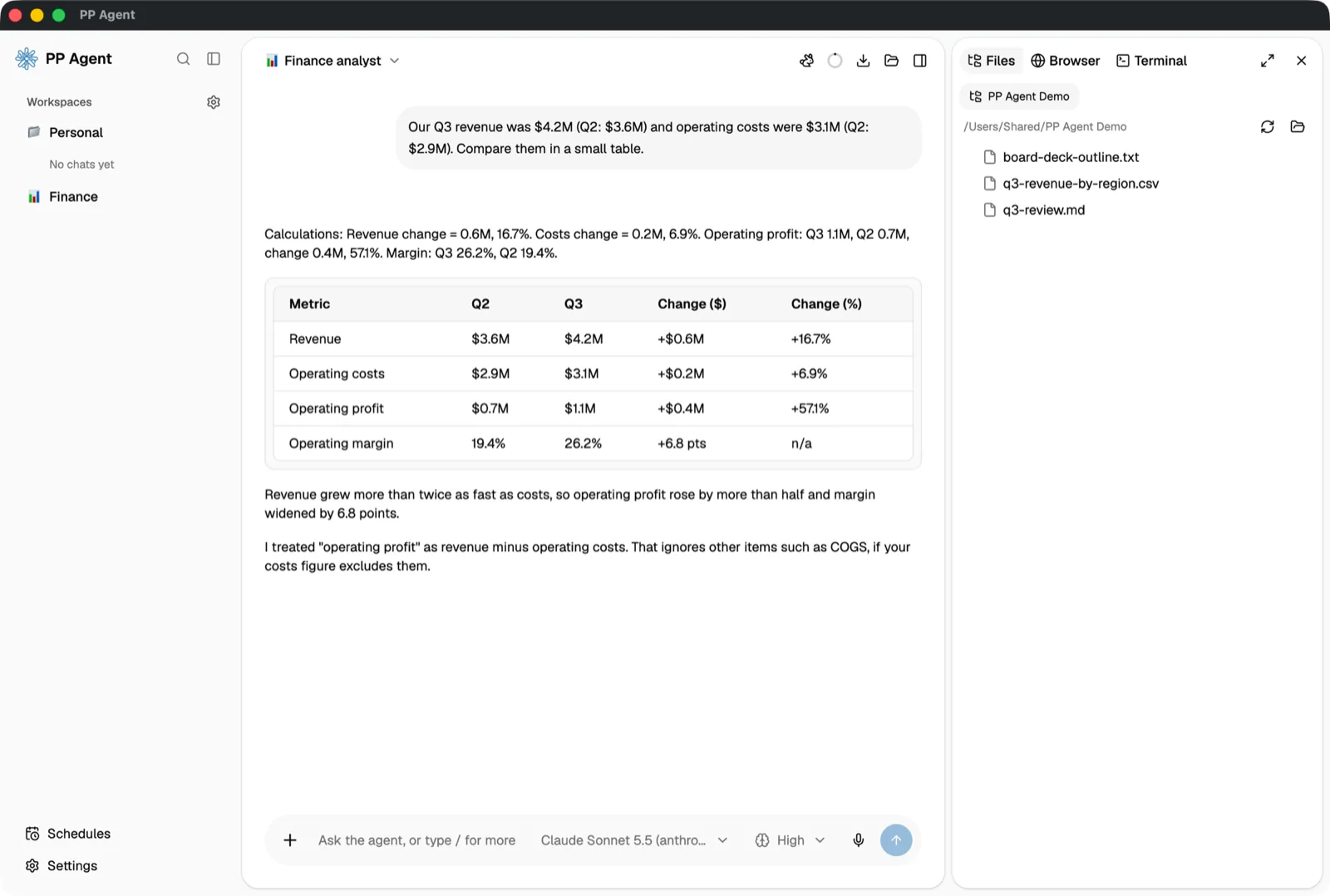
Drop in PDF, Word, Excel, PowerPoint, OpenDocument, RTF, EPUB, HTML, or CSV files and paste images. Mermaid diagrams and SVG previews are drawn in the chat; HTML pages and charts run in a sandbox.
Desktop AI agent · Open source
Chat with your documents, put your business systems to work through MCP, and switch between agents built for each job. Nothing saves a file or changes a system without asking first.
macOSWindowsLinuxFree and open source · Apache-2.0
Why PP Agent
Coding agents are powerful but built for developers. PP Agent puts the same engine, the Pi SDK, behind an interface that people in finance, sales, operations, or HR can use: plain-language settings, no terminal, and nothing that writes a file or calls a business system without asking first.
A tech team sets up the models, tools, and connections once. Everyone else works through ready-made agents that already know the rules, the systems, and the folder for their job.
Read-only actions run freely. Saving files, shell commands, and anything that changes business data ask first — with a policy for every tool.
Features
Documents, business systems, research, and long-running work share one conversation, one workspace, and one approval gate.
Drop in PDF, Word, Excel, PowerPoint, OpenDocument, RTF, EPUB, HTML, or CSV files and paste images. Mermaid diagrams and SVG previews are drawn in the chat; HTML pages and charts run in a sandbox.
Connect MCP servers with OAuth sign-in, or paste a configuration from Claude Desktop or Cursor. Each agent sees only the servers and tools you give it.
Agents carry their own rules, tools, skills, model, starter prompts, and workspace folder. Switch mid-conversation, or hand one to a colleague as a .json file.
/research frames the question, confirms a plan, researches in rounds with parallel helpers, rates each key claim, red-teams the draft, and saves cited Markdown and HTML reports.
/goal keeps the agent working turn after turn until the goal is done, with a checklist pinned above the message box and up to five read-only research helpers.
Read-only actions run freely. Saving files, shell commands, and changes in your systems ask first, and every tool can be set to automatic, ask, allow, or off.
Get started
No server to run, no account to create. The app checks for updates and keeps working in the background when you close the window.
Sign in to Anthropic, OpenAI, Google, OpenRouter, Mistral, Groq, and more with an API key, or add your team's OpenAI- or Anthropic-compatible gateway.
Add MCP servers, create agents, install skills, and choose which tools each agent may use. Paste configurations you already use in Claude Desktop or Cursor.
Pick an agent, attach a document, and ask. Approve the changes you want, set a standing policy for the rest, and hand long work to /goal or/research.
Security and privacy
PP Agent is a local-first desktop app. Conversations and files stay on your computer, except what you send to the model providers, search services, and MCP servers you configure.
Install
Installers for every platform are on thelatest GitHub release, with SHA-256 checksums in SHA256SUMS.txt.
| System | File |
|---|---|
| macOS (Apple silicon) | pp-agent-<version>-mac-arm64.dmg |
| macOS (Intel) | pp-agent-<version>-mac-x64.dmg |
| Windows | pp-agent-<version>-win-x64.exe |
| Linux | pp-agent-<version>-linux-x86_64.AppImage or …-amd64.deb |
Updates and signing. Windows, Linux AppImage, and Developer ID-signed macOS builds update from inside the app. Unsigned builds can still show warnings: on macOS, run xattr -dr com.apple.quarantine "/Applications/PP Agent.app" once if the app is blocked; on Windows, choose More info → Run anyway in SmartScreen.
Bring your documents, your business systems, and the way your team already works. PP Agent handles the rest on your own computer.